own project // 2026
WhisperPad
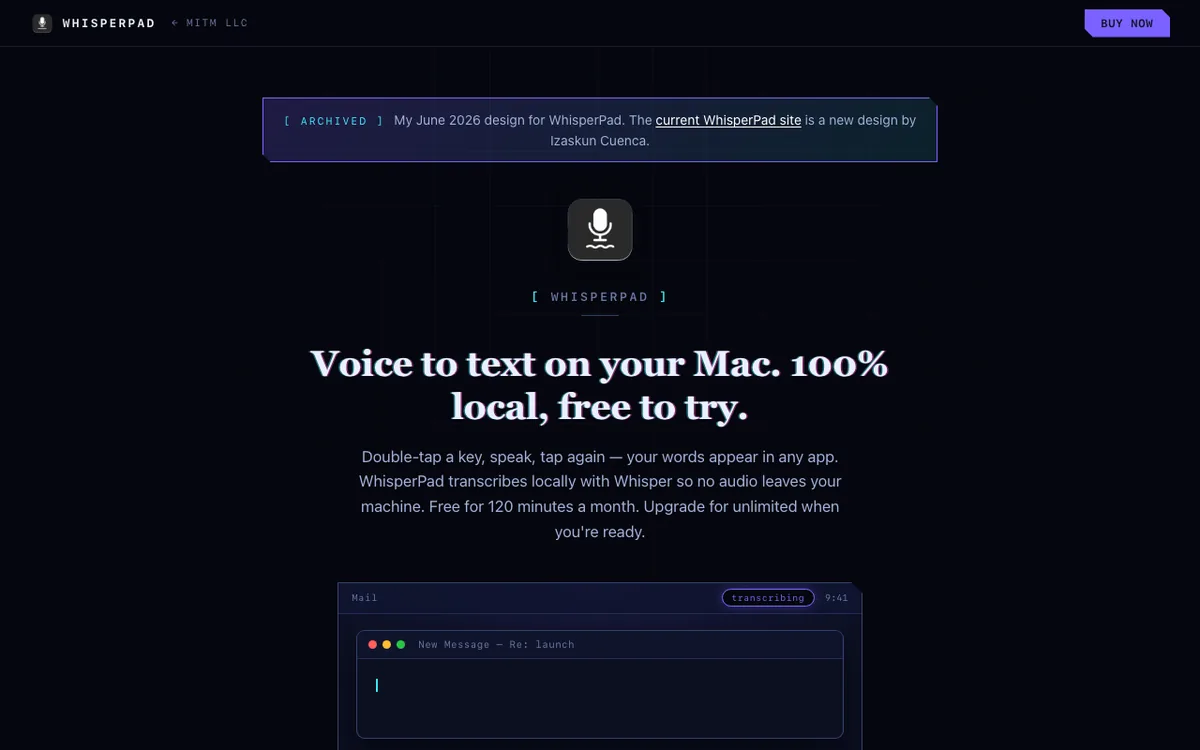
My first design for my Mac dictation app's page, now archived, with a small desktop demo in the hero.
- Client
- My own app
- Year
- 2026
- What I built
- Product and pricing page with an animated desktop demo and a sticky buy bar
- Platform
- Static HTML, CSS and JavaScript on Vercel
- Archived page
- mitmllc.com/whisperpad-classic
WhisperPad is my Mac app for dictation. You double-tap Control, speak, then tap Control again when you're done, and the text pastes into whatever app you're typing in. Transcription runs on the Mac, so the audio stays on the device. This is the page I designed and built for it in June 2026.
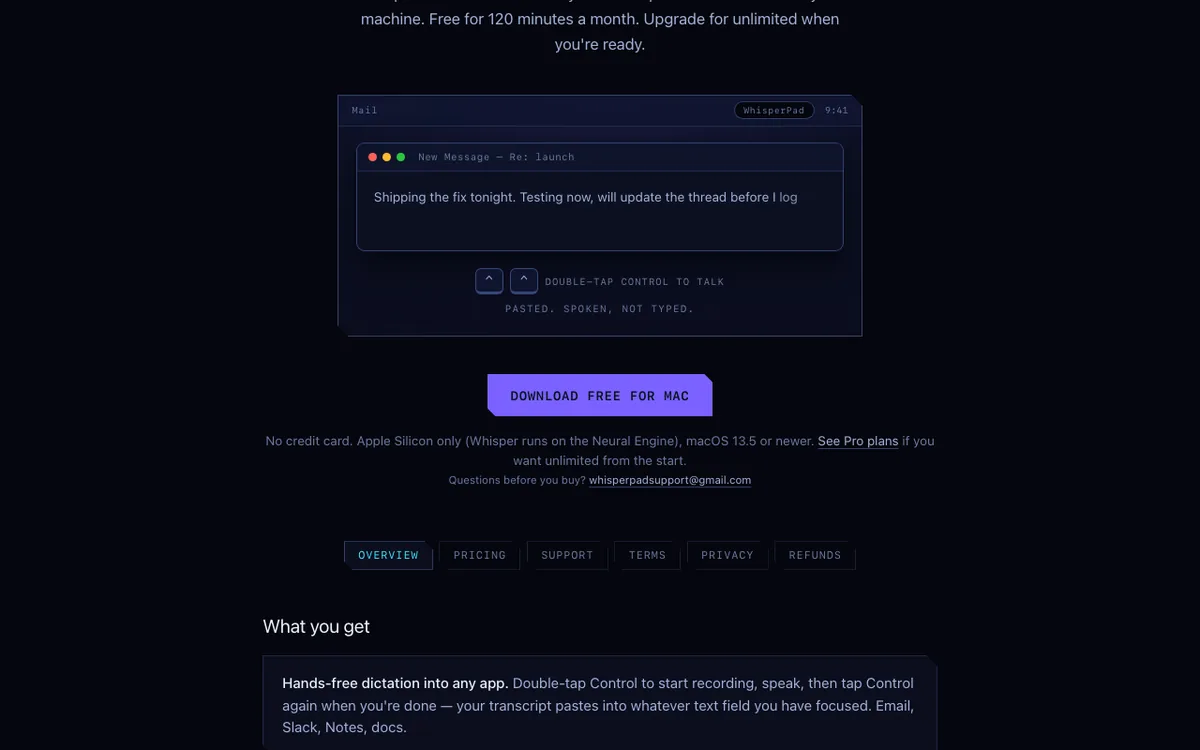
Dictation is easier to understand by watching it, so the hero is a small Mac desktop drawn in CSS. The Control key presses show on screen, a pill in the menu bar shows when the app is listening and transcribing, and the words type into a Mail, Slack, or Notes window. It cycles through those scenes on timers, and clicking it skips to the next one.
It uses the studio's cyberpunk style: navy, cyan, and violet, notched corners, a faint grid, and the glitchy custom cursor. A sticky bar keeps the buy button in reach while you scroll.
The production WhisperPad site now wears a new color scheme and icon by Izaskun Cuenca, applied to my copy and information architecture. This case shows my earlier design, which I've archived at its own address with the checkout taken out.